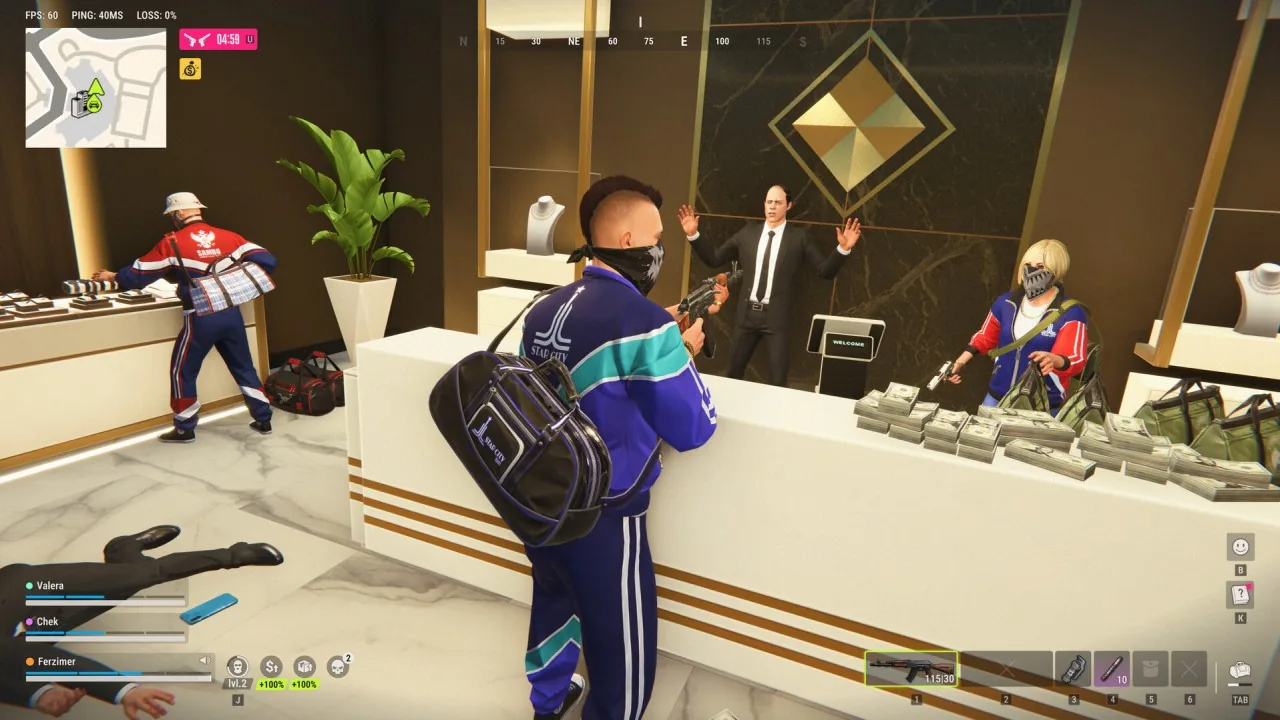
GAMEESP · WINDOWS PC
Rob Run cheat
GameESP includes player and loot markers, display filters and aim assistance.
Choose your duration
No account needed · One-time paymentThere is no verified guarantee that aim assistance will go undetected. Third-party software can lead to sanctions under the game rules.
24 h
4,99 €7 days
9,99 €30 days
19,99 €Lifetime
69,99 €How do I get my key?
One-time payment. After confirmation, your email includes your key and a private GameESP Launcher download link.
Before installation
Windows 10 or 11 · 64-bitAllow about 500 MB of free space and an internet connection.
What does GameESP show in Rob Run?
- Player ESP
- Player markers show positions in the scene. Display options include names and distance.
- Aim assistance
- The aiming menu groups target area, smoothing and range. A selection circle shows the area you have set.
- Loot and minimap
- Filters group items such as weapons, ammunition, medical supplies and cash. Choose which categories appear on the map.
Activate your Rob Run licence
- At checkout, enter the email address where you want to receive your key.
- After payment confirmation, open your private order link and download GameESP Launcher on your Windows PC.
- Open the launcher and enter the Rob Run key from your order.
Licence questions
How do the four licences differ?
Each licence covers the same software. Pick 24 hours, 7 days, 30 days or lifetime. The store counts fixed durations from key delivery.
How do I get the launcher again?
Use the email recovery form in Mes licences with your checkout address. Open the Rob Run order link to download GameESP again.